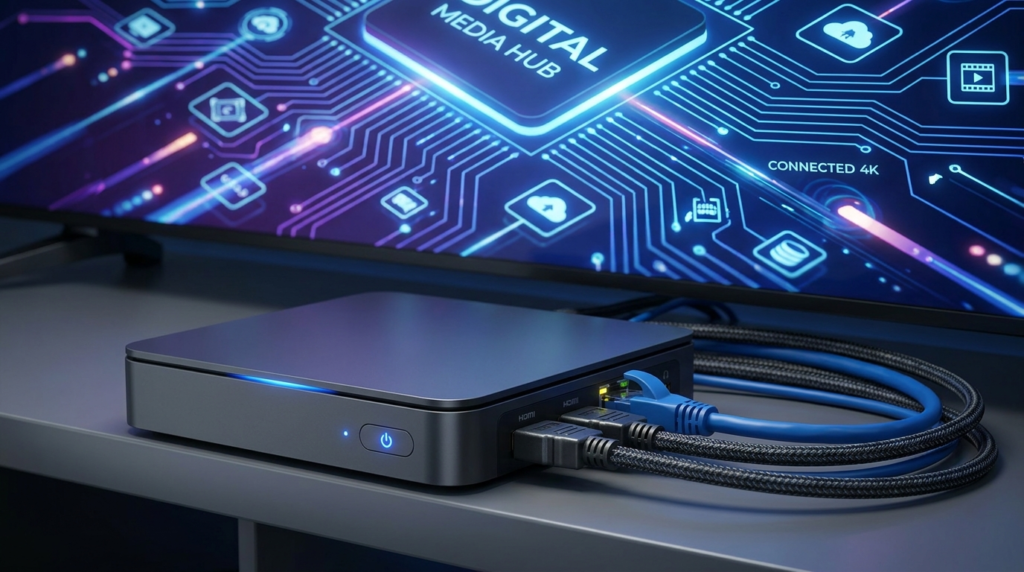
An IPTV encoder is a crucial device that converts video input into a digital format suitable for streaming over IP networks. How to set up an IPTV encoder involves multiple technical steps, from hardware connections to detailed network and encoding configurations, ensuring smooth and reliable streaming.
Before starting, you need the right hardware including an IPTV encoder, suitable video sources such as HDMI or SDI cameras, a stable wired Ethernet network, and access to a computer or device to configure the encoder. The network’s bandwidth must accommodate your stream’s bitrate to prevent interruptions. For detailed hardware specifics including PoE setups, you can refer to this HDMI IPTV Encoder setup guide.
Step one is connecting your video source to the encoder. Common inputs include HDMI and SDI; choosing the right input depends on your source device and desired video quality. HDMI is common for consumer cameras, while SDI offers long cable runs typical in professional settings, giving clarity on connection choices to maximize video quality.
Next, the encoder must be connected to your network using a wired Ethernet connection. Avoid Wi-Fi for live IPTV streaming because of potential latency and packet loss issues. Route cables through reliable network switches and ensure low network congestion to maintain stream stability.
Once physically connected, powering on the encoder initiates the boot sequence. Watch for indicator lights that confirm device readiness. Devices often require a short setup time after powering to initialize hardware and software.
Finding the encoder’s IP address is essential to access its web interface, or GUI, for configuration. This is usually done via DHCP, but assigning a static IP is preferred in professional environments to avoid IP conflicts and improve network predictability, making subsequent access easier. Use default credentials sparingly and change them promptly for security.
Network settings configuration involves choosing between dynamic IP (DHCP) or static IP settings, setting the proper subnet mask to define your network segment, and a gateway address for Internet access or broader LAN communication. A stable network setup reduces streaming interruptions and security vulnerabilities. For a comprehensive view on IPTV configuration tips, this IPTV configuration guide is a valuable resource.
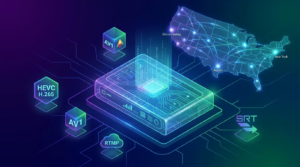
Next, set encoding parameters carefully. Select resolution settings compatible with your streaming platform (e.g., 720p or 1080p), adjust bitrate balancing quality and bandwidth, and choose efficient video codecs like H.264 or H.265 for compression. Similarly, audio settings including codec choice (AAC is common) and channel layout ensure clear sound. Delving deeper, advanced settings such as GOP size impact latency and stream stability, which is essential for live broadcasts.
Configuring streaming output involves selecting streaming protocols such as RTMP for social platforms, HLS for broad compatibility, or SRT for low-latency secure streams. Input your streaming server details and stream keys accurately to connect and authenticate your broadcast.
After applying these settings, save your configuration and activate the streaming function. Monitor the boot streaming process for any errors or warnings.
Testing the stream is key. Use player software to verify your video and audio sync, check for buffering or packet loss, and ensure optimal playback quality. Testing under real network conditions can reveal issues requiring adjustments.
Common troubleshooting steps include verifying signal input presence, resolving IP conflicts by ensuring unique static IPs, adjusting bitrate to reduce quality problems, and updating encoder firmware to fix bugs. Pay attention to environmental factors like proper ventilation and stable power sources to prevent hardware failures.
Best practices for reliable IPTV encoding extend to using wired networks exclusively, regularly updating firmware, monitoring stream health via network management tools, and employing secure credentials alongside encrypted streaming protocols.
In summary, setting up an IPTV encoder requires attention to hardware, network design, encoding detail, and thorough testing for a seamless streaming experience. For those seeking a streamlined solution to enjoy premium live channels, movies, and series with ease, exploring the Best IPTV Provider can be a practical next step.
Additional practical guidance including pricing can help tailor your setup to your needs, as explained in the IPTV Subscription Pricing section. For ongoing service benefit details, the IPTV Subscription Home provides up-to-date information and user support.
For a deeper technical overview, this complete IPTV HDMI encoder guide offers advanced insights into connectivity and encoding techniques to further optimize your stream.